How long is each session?
About four minutes once you're set up.

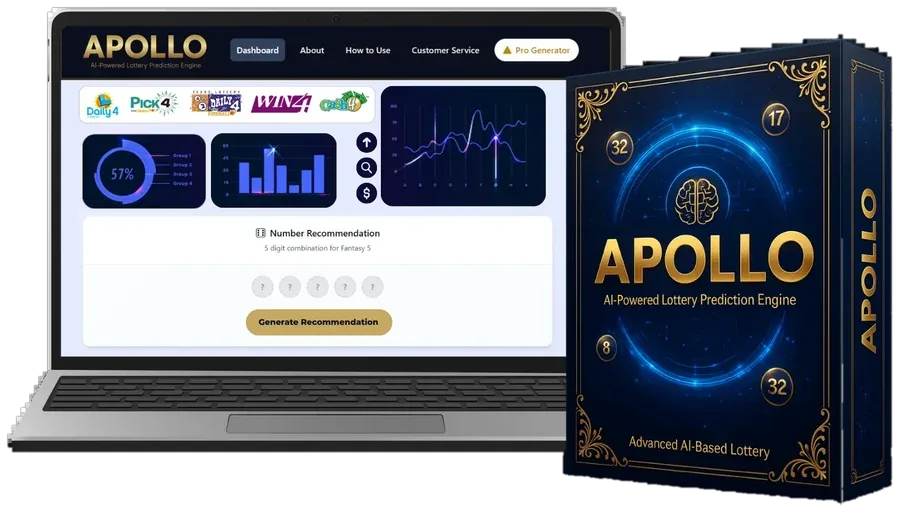
Pay the one-time $147 and get your login immediately.
Apollo AIUse your phone, tablet or computer. No download.
Apollo AIChoose your lottery, your state and the number of picks, then tap Analyze Now.
The Results Library loads data and the Frequency Engine measures it.
Follow our beginner checklist for what to check first.
The Set Creator gives you a full set. Play it within your limit.
About four minutes once you're set up.
No. You'll see a game selector, a handful of charts and a single Generate button.
Yes, tap again for another. Each set has equal odds in an official draw.
Pay $147 once for the full dashboard and every future update. If it doesn't suit you, you can request a refund within 14 days.